Aesthetic Pomodoro Timer
A cozy online study timer — pick a scene, set your focus, and start.
How to use Flowz
Pick your scene & time — Choose a cozy hand-painted scene — or a plain white/black screen — and set your focus and break lengths, anywhere from 1 to 180 minutes.
Press Start — Flowz runs the whole cycle for you: focus, a short break, and a longer break every four rounds. It rings at each change and the time shows in the tab title.
Make it yours — Open Customize to change the scene, font, clock size, and message. Tap full screen for a distraction-free session, or on your phone use Share → Add to Home Screen to launch it like an app.
Embed in Notion, Google Sites, or a blog
Style it — Open Customize and pick your scene, font, message, and focus/break lengths. Every choice is baked into a single embed link.
Copy the embed code — Press “Copy embed code” — it copies a ready-to-paste iframe (and the URL inside it).
Paste it in — Notion: type /embed, paste the URL, Enter. Google Sites: Insert → Embed. Any blog or Canva whiteboard: drop the iframe into an HTML block, then resize.
A study timer that feels like a place
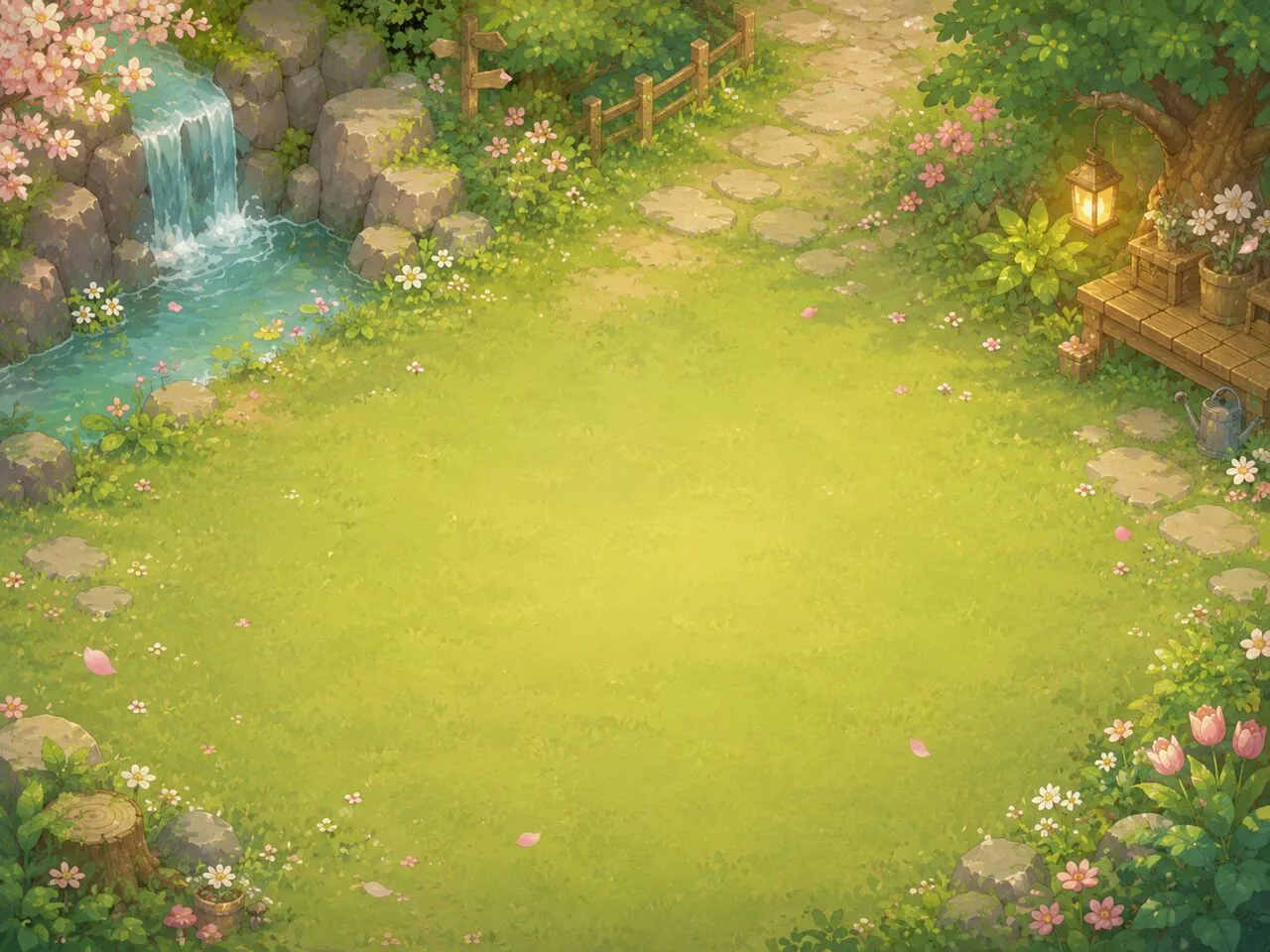
Flowz turns a plain countdown into a small scene: a spring garden, sakura in the wind, a quiet starlit cosmos. Whether you need a timer for studying, writing, or deep work, pick a scene, a time of day, a falling-particle effect (rain, snow, sakura petals, or a meteor shower) and an ambient sound (white, pink or brown noise, or rain), then let the pomodoro study timer carry you — focus, short break, and a long break every four rounds. Prefer minimal? Switch to a plain white or black screen.
Built on the Pomodoro Technique
The classic rhythm is 25 minutes of focus and a 5-minute break, with a longer break after four rounds. Flowz runs the whole cycle for you and lets you tune it — focus sessions from 1 to 180 minutes, breaks from 1 to 90. The countdown is anchored to a real end time, so it never drifts, even in a background tab.
One flexible pomodoro for studying, working and creating
Use it as a study timer for homework, exam revision or a study-with-me session — a warm scene and rain sounds make long afternoons gentler. Working from home, stretch focus to 50/10 for deep work and pause when a call cuts in: the flexible rules bend instead of breaking. For writing, drawing or practising an instrument, pick a comfortable rhythm and let the rounds stack up in your local history. Your scenario, your rules.
Frequently asked questions
What is an aesthetic pomodoro timer?
An aesthetic pomodoro timer is a focus timer that runs the Pomodoro Technique over a calm, good-looking background instead of a bare countdown. Flowz pairs 25/5 focus-and-break cycles with cozy hand-painted scenes, ambient moods, and custom fonts, so your study timer feels like a place you want to stay in.
What is the Pomodoro Technique?
The Pomodoro Technique is a time-management method: work in focused sprints (classically 25 minutes), take a short break (5 minutes), and after four rounds take a longer break. Flowz runs the full cycle automatically — focus, break, and long break — and you can change the lengths to anything from 1 to 180 minutes.
How do I add this timer to Notion?
Open Customize, pick your scene and durations, then press “Copy embed code”. In Notion, type /embed, paste the code’s URL (or paste the iframe into any site that accepts HTML), and the timer appears as a live widget. The same embed works in Google Sites and blogs.
Can I use a plain background instead of a scene?
Yes. Open Customize and choose the White or Black background for a clean, minimal timer, or pick one of the cozy hand-painted scenes like Spring Garden, Sakura, or Cosmos.
Does it have background sounds or white noise?
Yes. Open Customize and pick an ambient sound — white, pink or brown noise, or a steady rain — with a volume slider, and it loops while the timer runs. It is generated right in your browser, so nothing downloads and it works offline. Mute it any time with the bell button.
Does the alarm still go off if I switch tabs?
Yes. The countdown is anchored to a real end time, so it stays accurate in background tabs, and the remaining time shows in the tab title so you can see it from anywhere.
Is Flowz free?
Completely free — no signup, no download, and no account. Open the page, press start, and focus.